
Webhook URL and public key

Open Settings → Business: https://merchants.zbx.boomfi.xyz/dashboard/settings/merchant ZBX business webhook settings
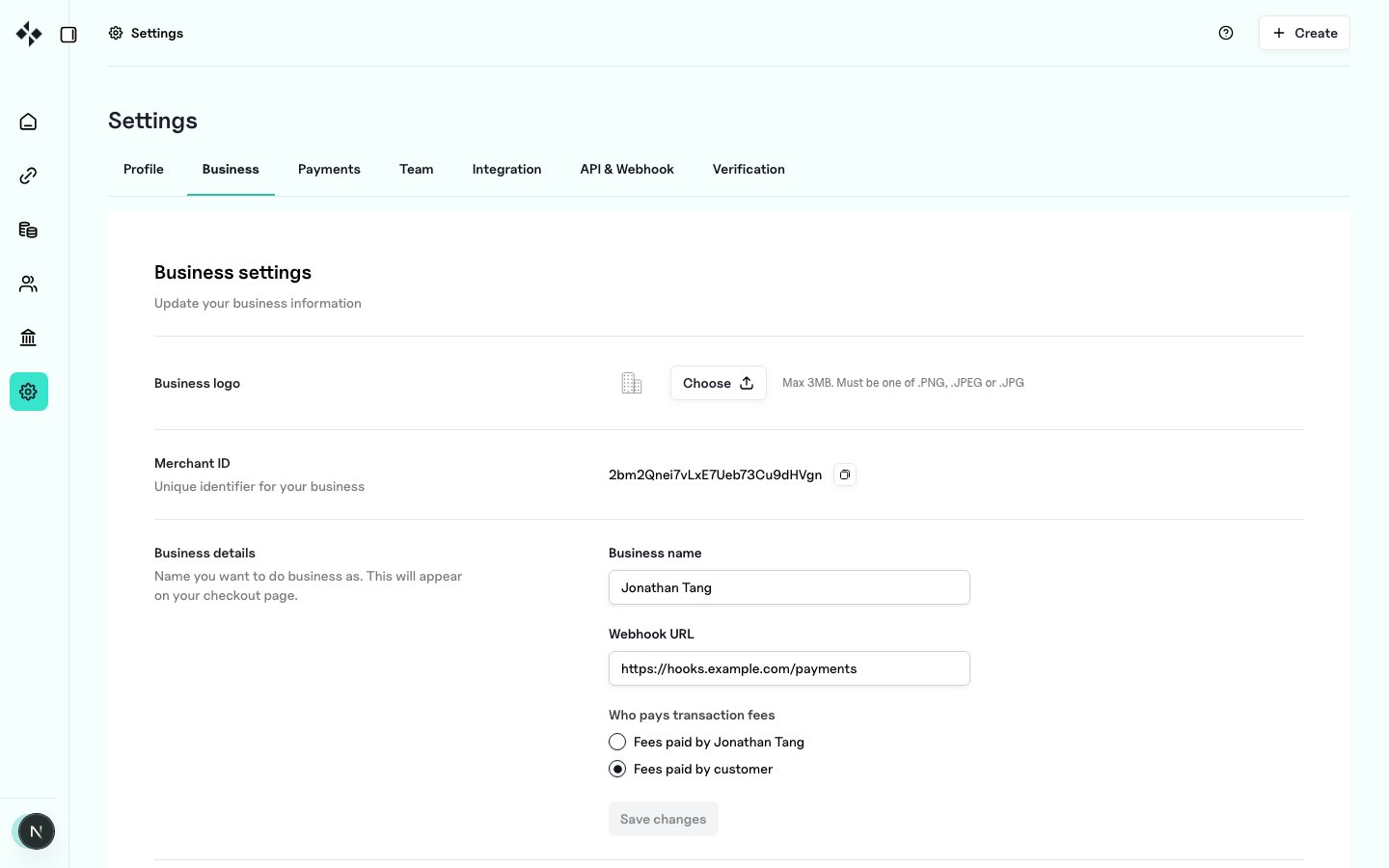
  • Webhook URL: HTTPS endpoint that accepts JSON POSTs
  • Webhook public key: PEM public key used to Verify Webhook Signatures
  • Use the rotate control to regenerate the key pair if the private key may be compromised
Public key text is also shown for copy; PEM newlines may appear escaped (\n) in some API responses: normalise to real newlines before verification.

Event history

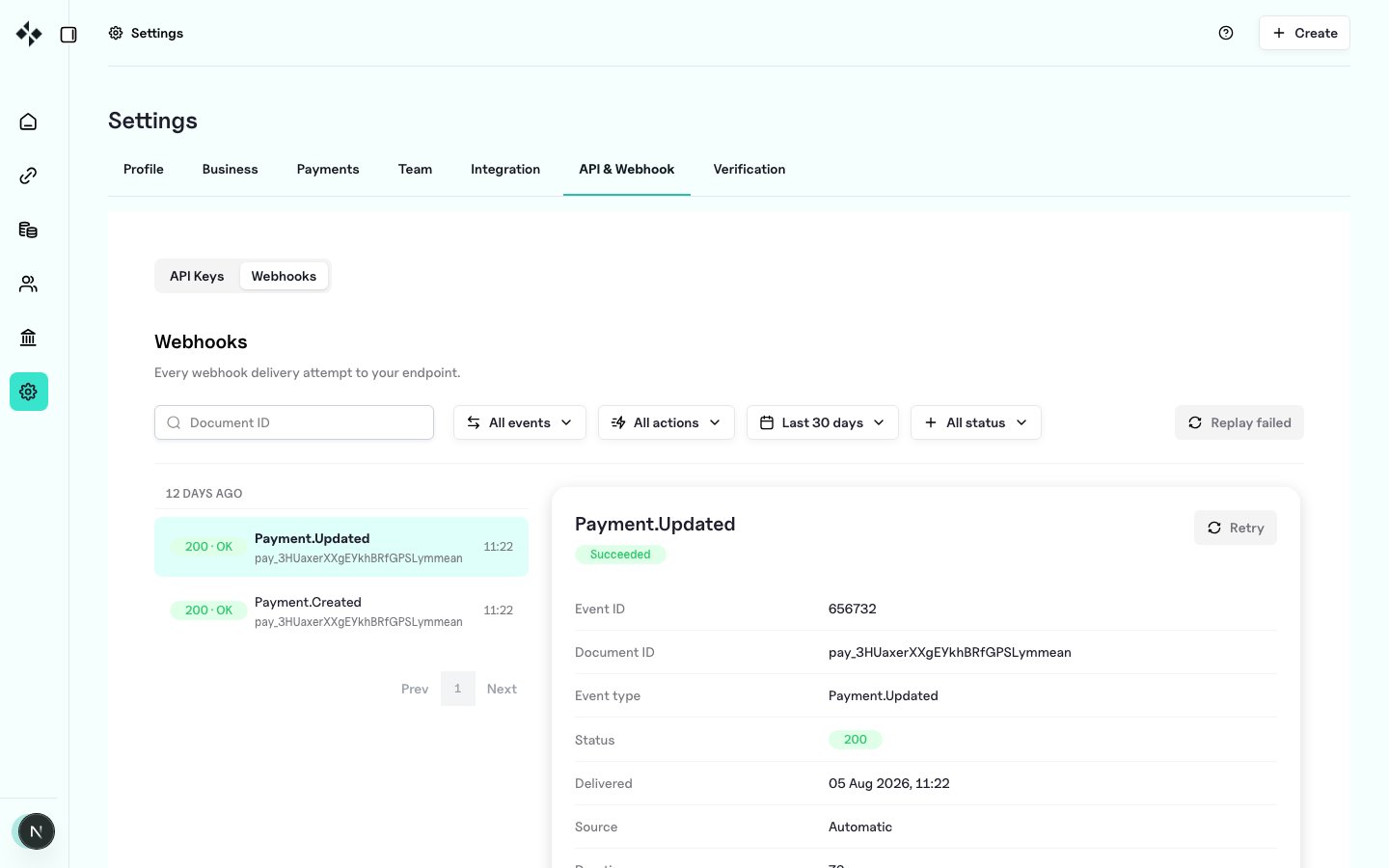
Open Settings → API & Webhook → Webhooks tab: https://merchants.zbx.boomfi.xyz/dashboard/settings/api-keys?tab=webhooks ZBX webhook event history Filter, inspect payloads, retry failed deliveries, and bulk-replay failures. See Event History and Replay.
API

Update organisation webhook URL

Use fields supported by the update organisation schema (name, logo, webhook URL, fee payer, underpay tolerances, email notification settings). See API reference → Organisation.

Rotate webhook secret / key pair

Returns updated organisation material including the new public key material as implemented by the Merchants API.

Get organisation

Includes webhook public key when configured.

Local development

Tunnel your local server (for example with a reverse proxy or tunnel tool) so the platform can reach an HTTPS (or tunnelled) URL. Always verify signatures even in development.

Next steps