

Concepts
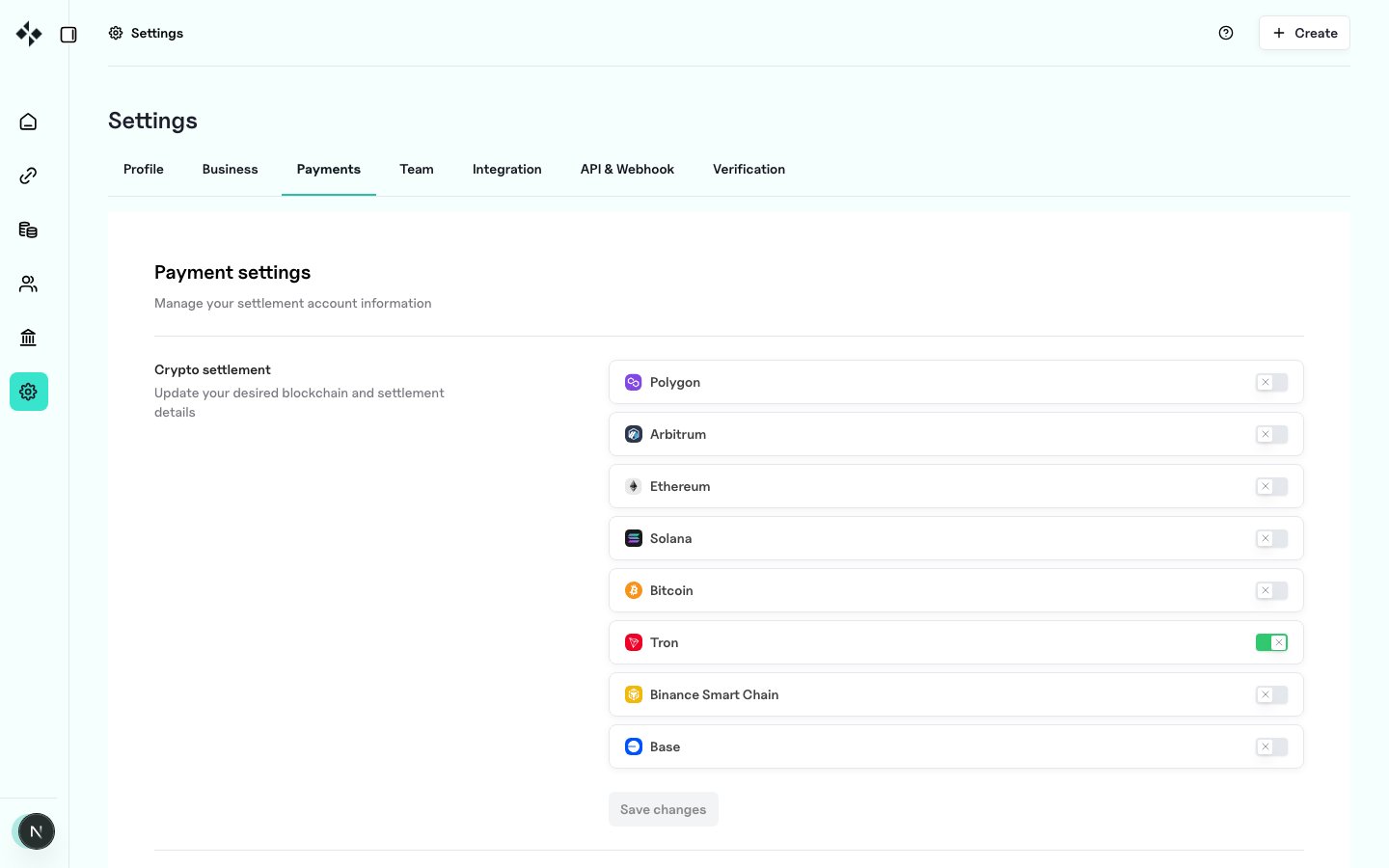
Dashboard path for payment / settlement settings:
https://merchants.zbx.boomfi.xyz/dashboard/settings/settlement
Balances and virtual-account tools also appear under Account when your org has the virtual-account feature:
https://merchants.zbx.boomfi.xyz/dashboard/account
Recommended order
- Settlement Accounts
- Create or extend the virtual account with the chains and currencies you accept
- Attach those accounts when Payment Links (
account_idsoraccount_ref) - For balance products, Create a Deposit Address