

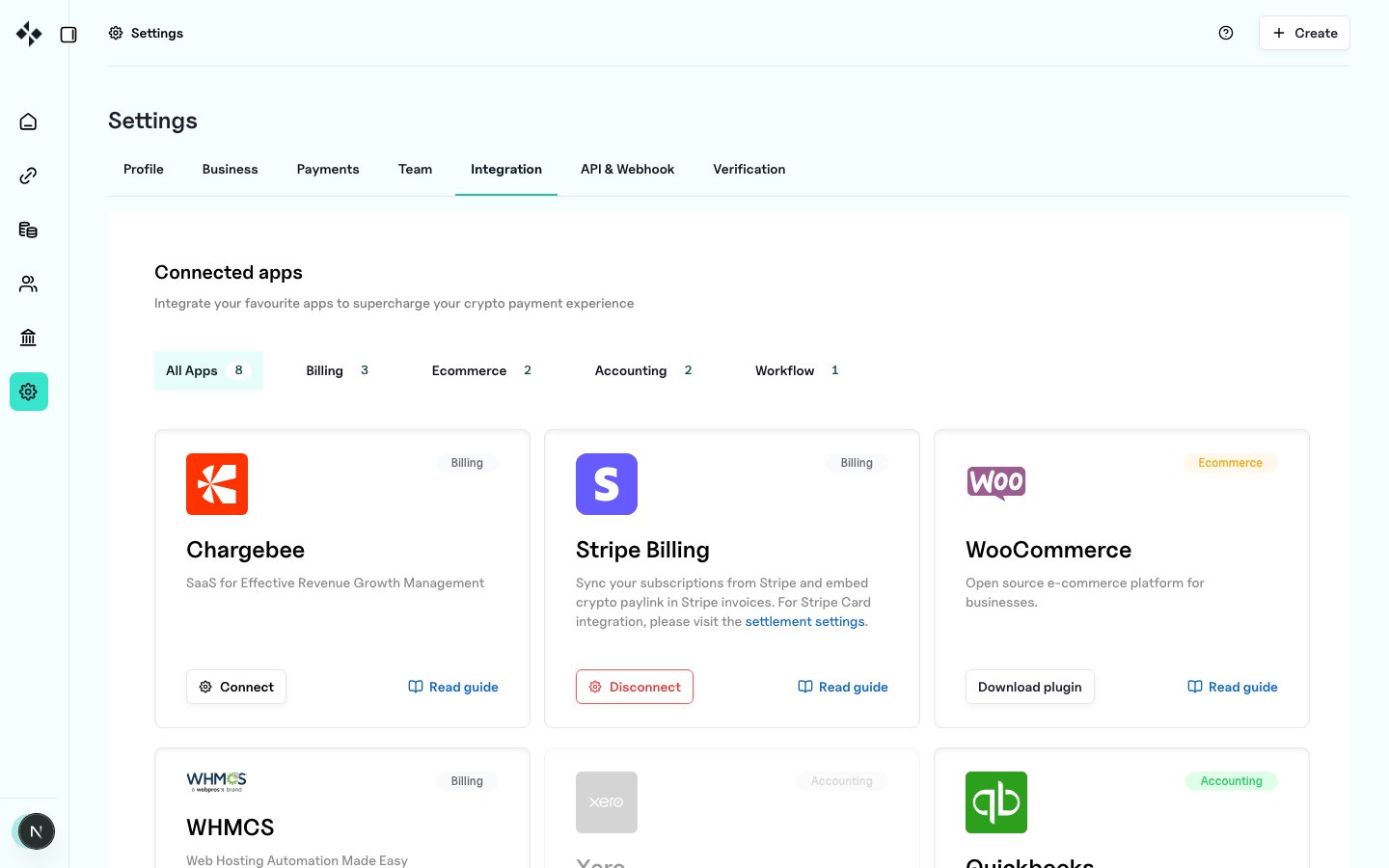
Available guides
Shared constraints
- No auto-charge for crypto: invoice / subscription products that rely on automatic card capture are out of scope. Customers pay through a pay link (and, for recurring wallet permissions, Connect Wallet / signature flows where used).
- Prefer webhooks over polling where the partner platform supports it: see Webhooks Overview.
- Generate API keys under
https://merchants.zbx.boomfi.xyz/dashboard/settings/api-keys. - Configure settlement under Payments Settings.