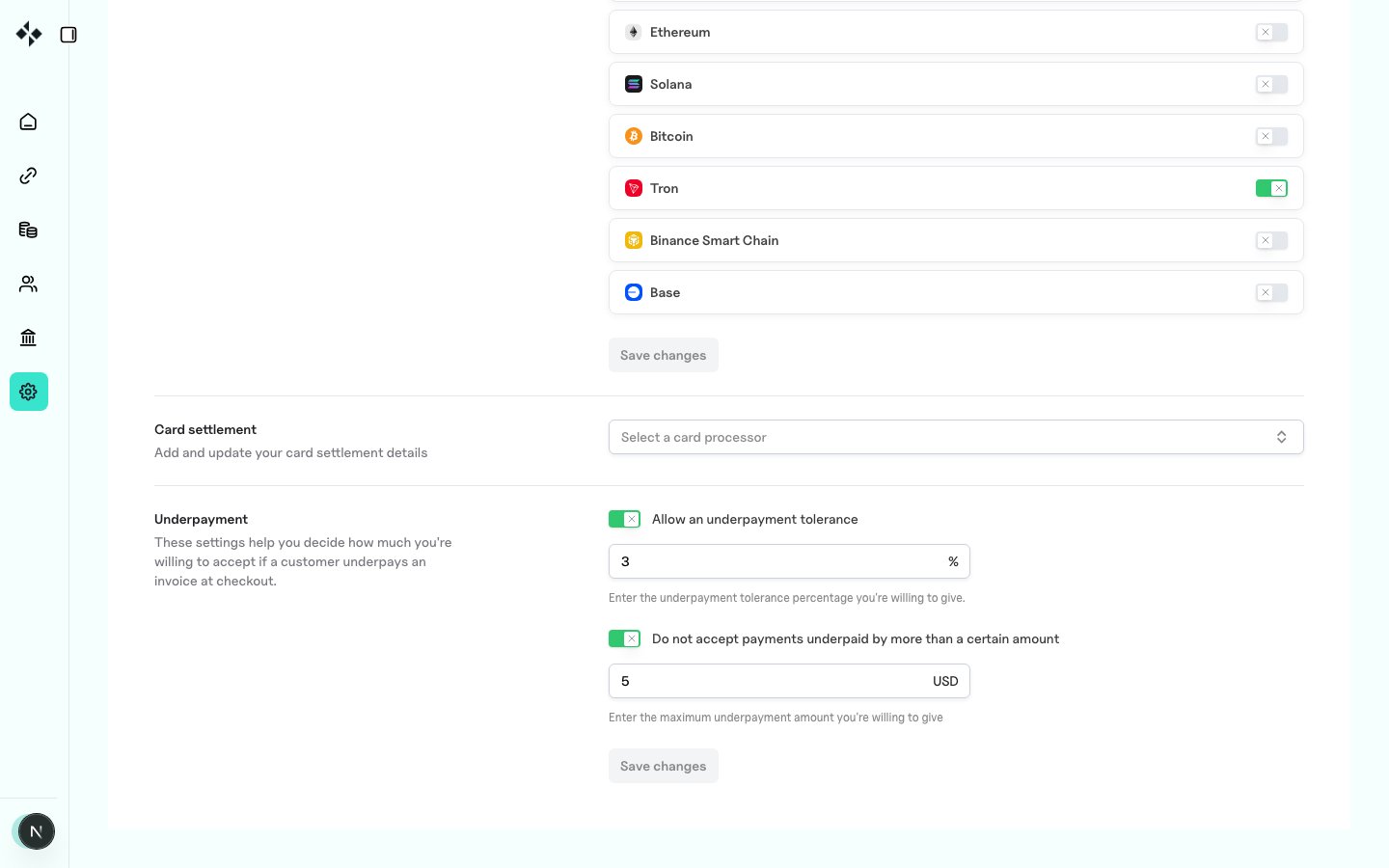
https://merchants.zbx.boomfi.xyz/dashboard/settings/settlement
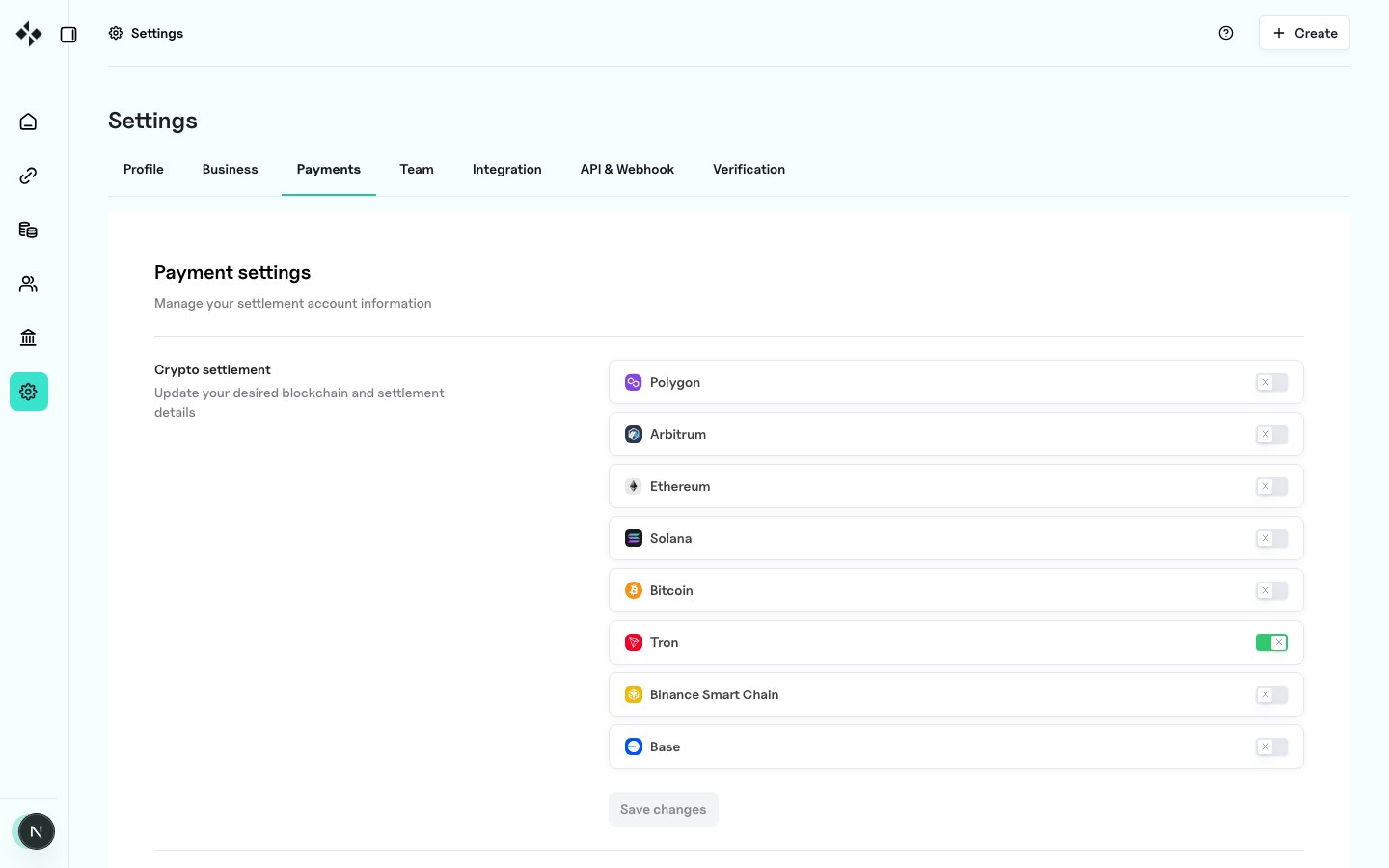
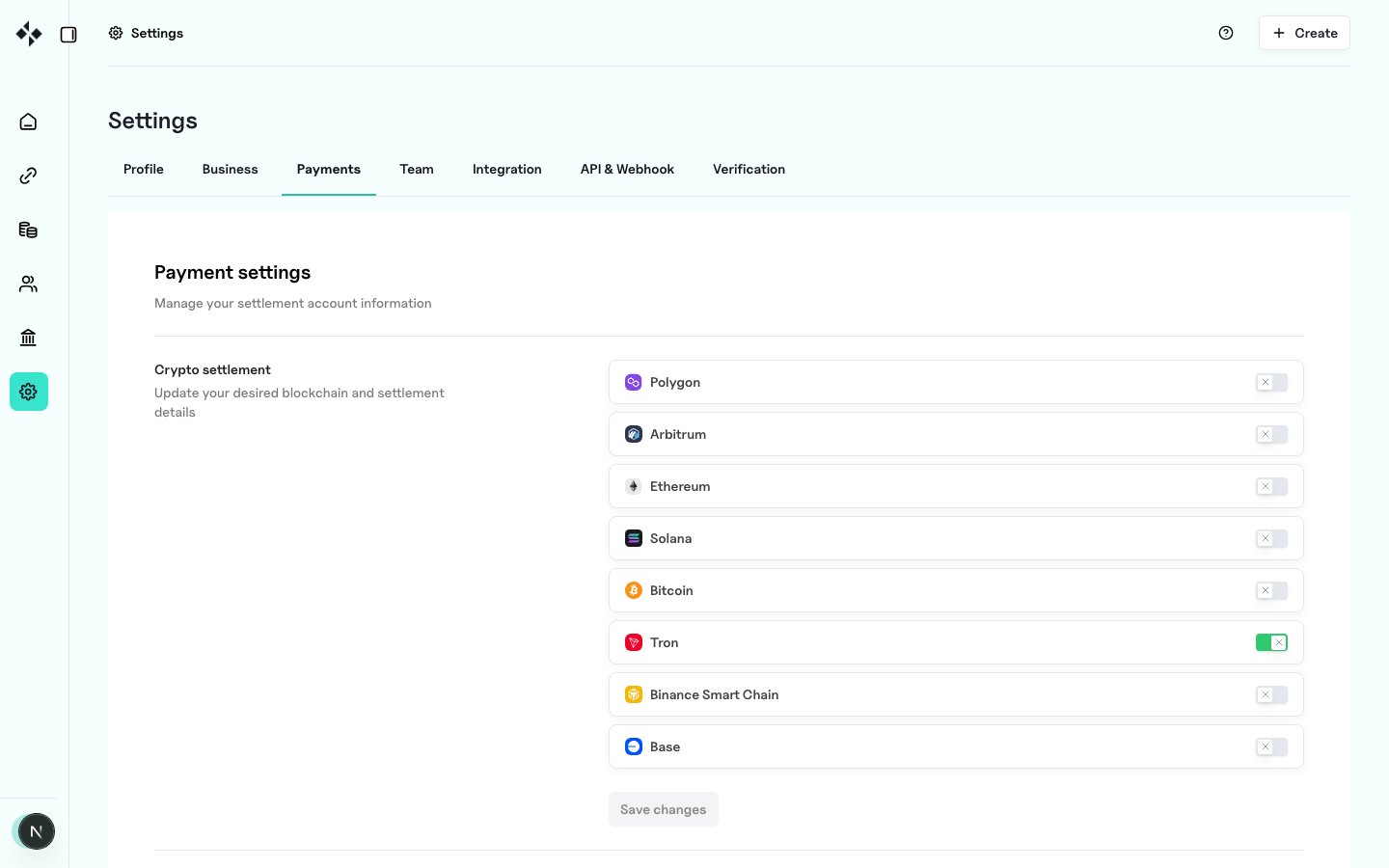
Crypto settlements
For each supported blockchain you enable:- Toggle the network on
- Set the settlement address for that chain
- Select the currencies you accept on that chain
- Save
Underpayments
Underpayment settings define how much shortfall you accept at checkout when a customer pays less than the invoice amount.Combining percentage and amount
If both are set, the percentage tolerance applies, and the fixed amount acts as a hard cap. Example with 1% and $5:- 99 and above
- 995 and above (1% = 5 cap wins)