

Sign in
Open https://merchants.zbx.boomfi.xyz/ and sign in with your work email (or passkey, when enabled).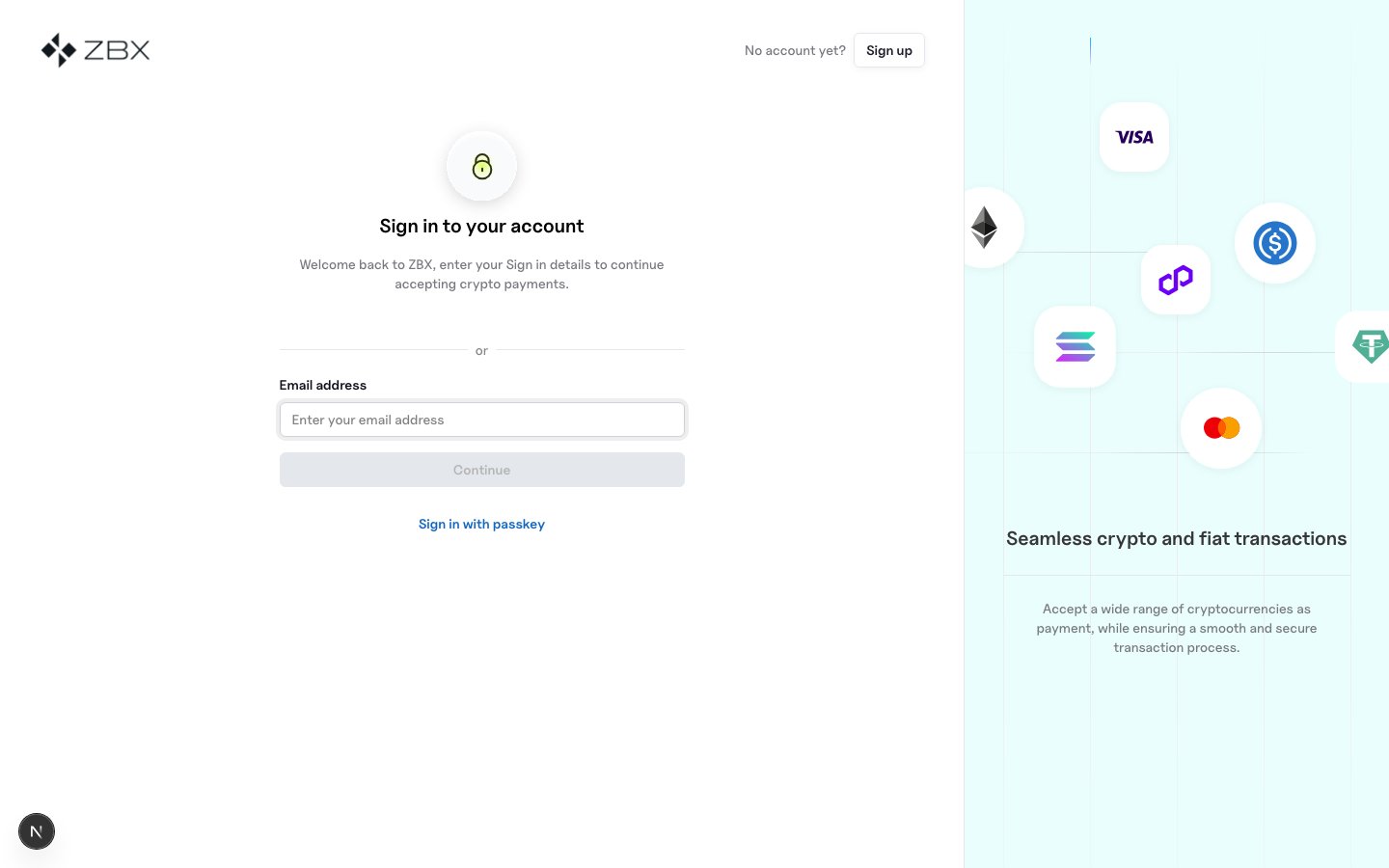
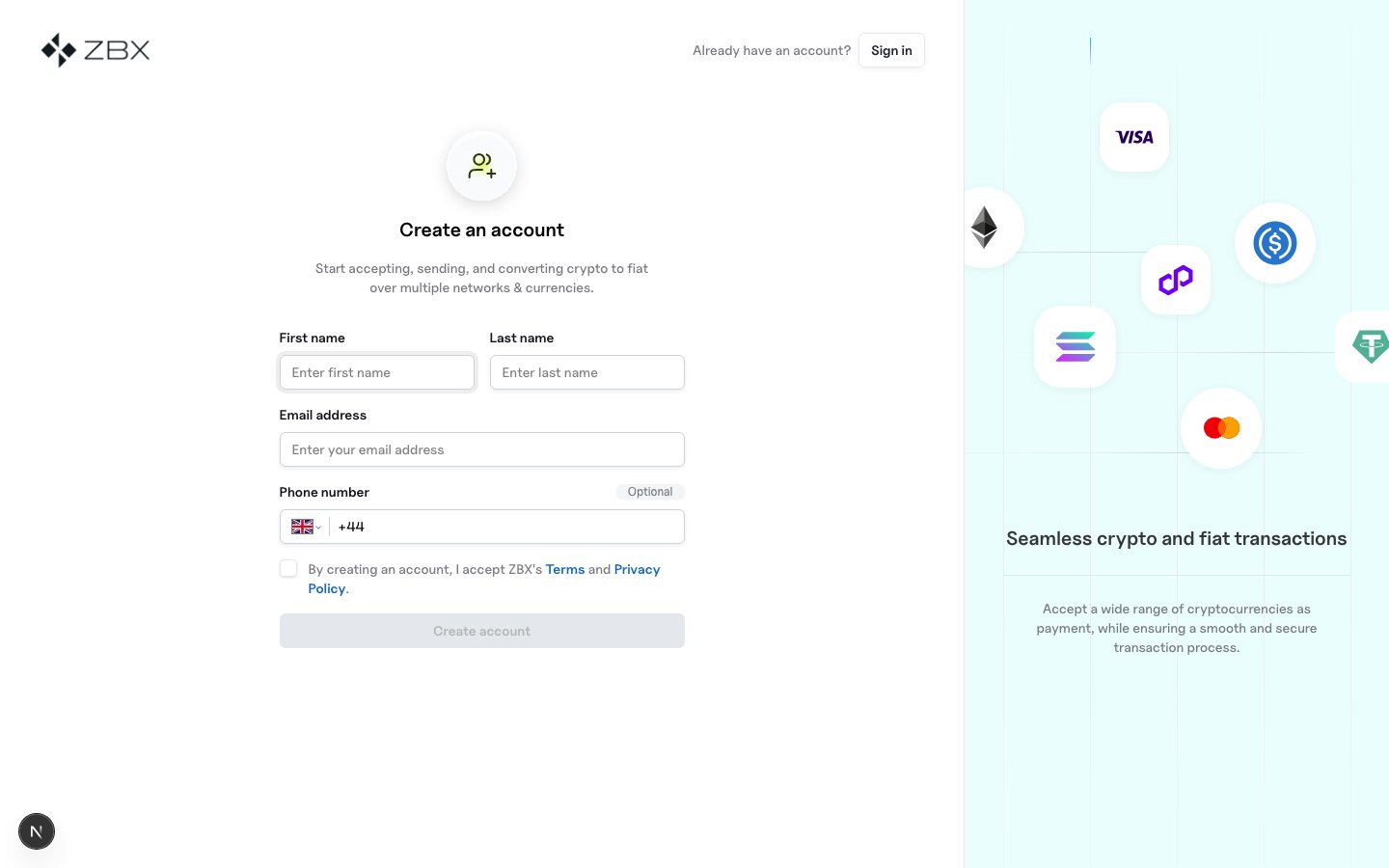
Sign up
- Open https://merchants.zbx.boomfi.xyz/.
- Create a user account with a work email.
- Complete organisation details (business name and related fields).
Business settings
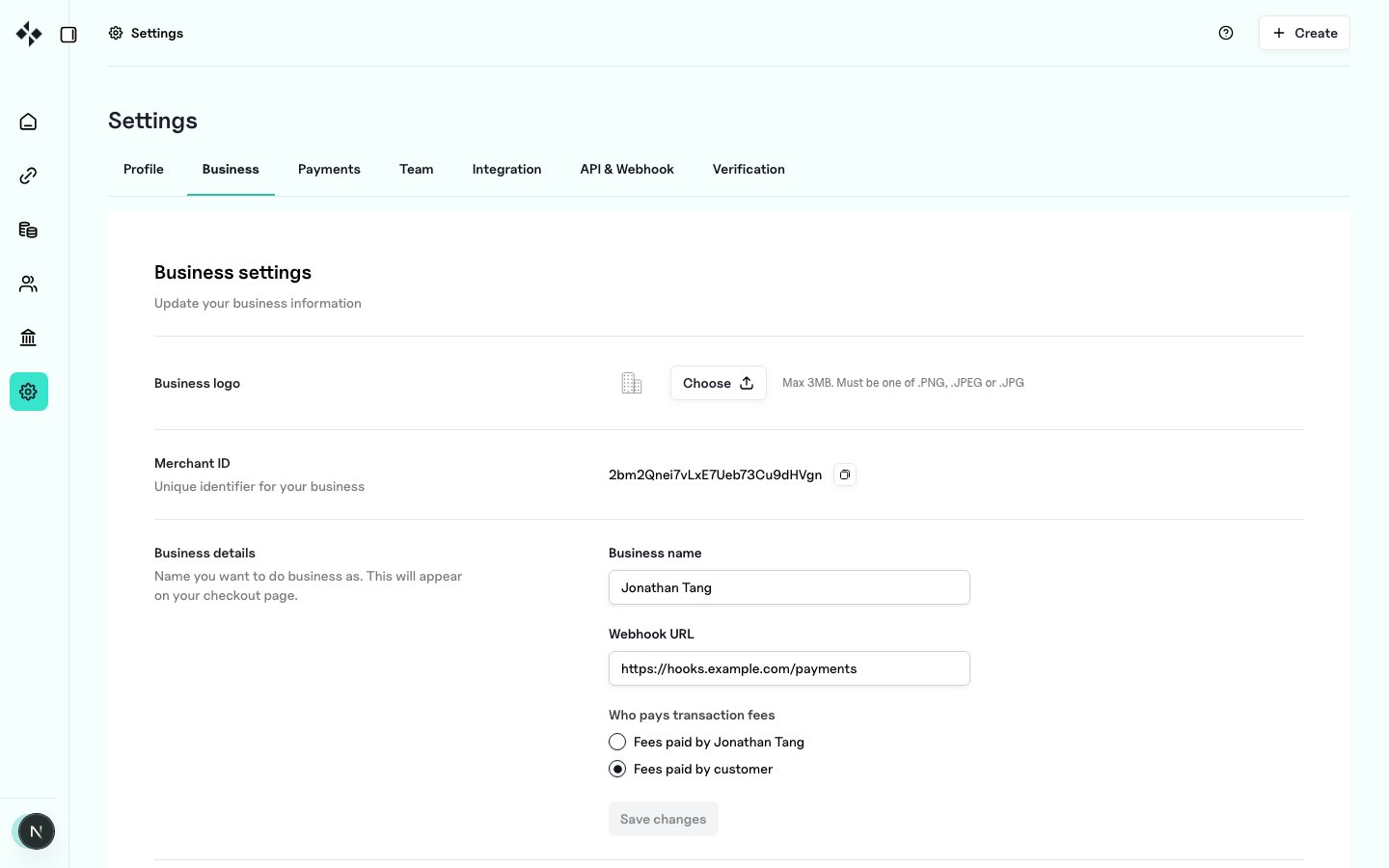
In Settings → Business (https://merchants.zbx.boomfi.xyz/dashboard/settings/merchant):
- Confirm organisation profile and logo
- Set your webhook URL (HTTPS endpoint) when you are ready to receive events
- View or rotate the webhook public key used to verify signed deliveries
Team (optional)
Invite colleagues under Settings → Team (https://merchants.zbx.boomfi.xyz/dashboard/settings/members). Owner and permission roles control access to API keys and event replay.