https://pay.zbx.boomfi.xyz: they connect a wallet or follow the configured payment methods and complete the transfer on a supported network.
How it fits together
- You create a Payment Links in the dashboard or API
- You send the checkout URL (email, your website, in-app browser)
- Customer completes payment
- Your backend receives webhooks and updates order state
Customer information
Checkout asks for the payer’s name and email. Extra fields, when the paylink enables them, are date of birth, nationality, place of birth, address, and phone. You can prefill them on the paylink URL.nationality is an ISO 3166-1 alpha-2 code (GB); the stored value is alpha-3 (GBR).
Which fields you can turn on, and the query parameters for each, are in Paylink Features.
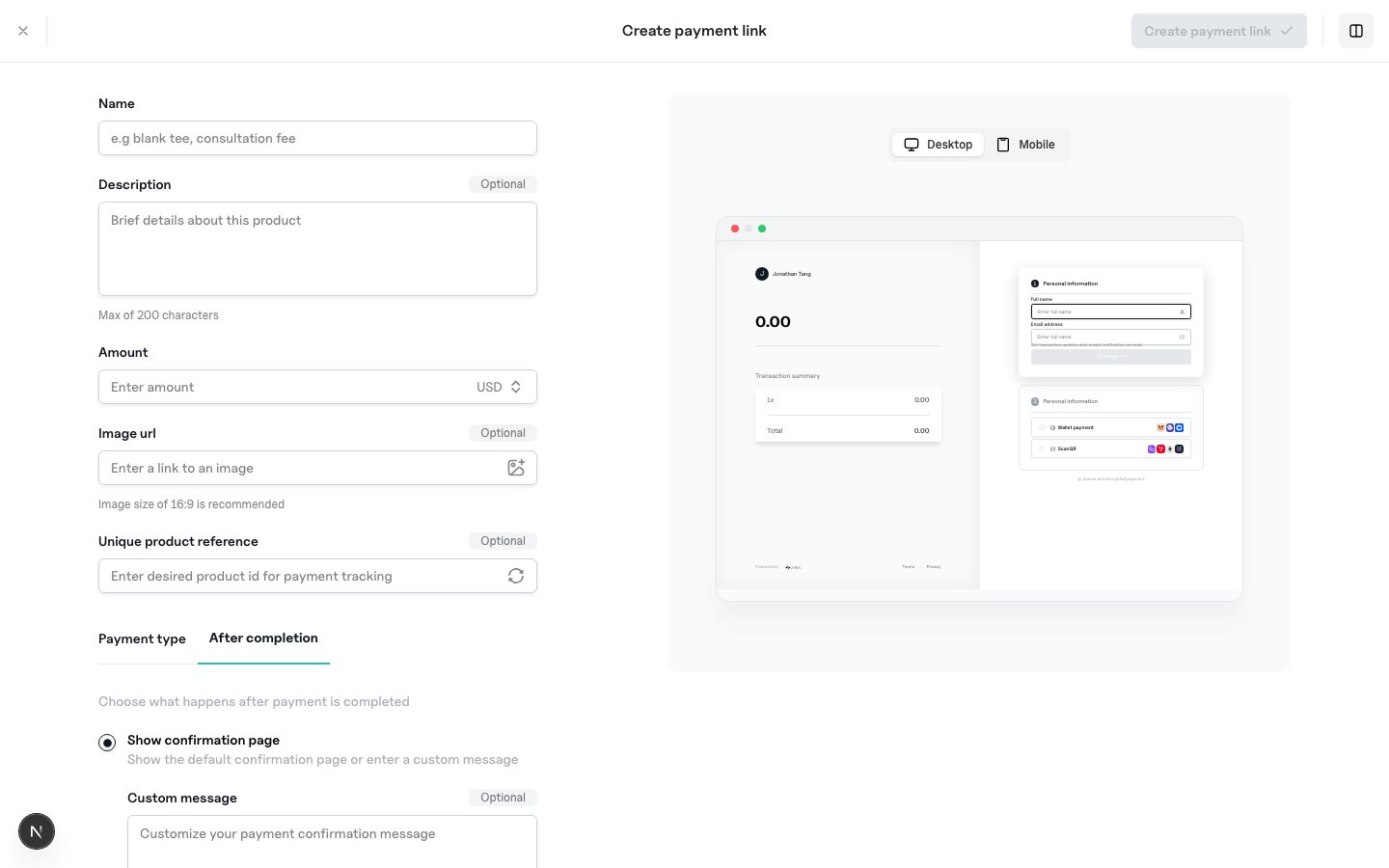
After completion
In the dashboard paylink builder, or via the Paylinks APIafter_completion field, you can:
- Show a confirmation screen (default or custom message)
- Redirect to your own success URL after a successful payment (
type: redirect+redirect_url) - Redirect to a failure URL when the link expires or payment.status is Failed (
failure_redirect_url) - Optionally allow repeat payments without a duplicate-payment acknowledgement
after_completion when it is set. You can also send it nested under metadata.after_completion; the first-class field wins if both are present.
Redirect from your app
Trust server-side confirmation only
Do not ship digital goods based solely on the browser landing on a success URL. Always verify Verify Webhook Signatures and treatPayment.Updated with status: Succeeded as paid. Underpayment emits Payment.Updated with status: RequiresAction, paid_amount, and proxy_wallet (address, chain_id, token_address) — see Event Types. The same proxy_wallet object is on GET /payments/{id}.
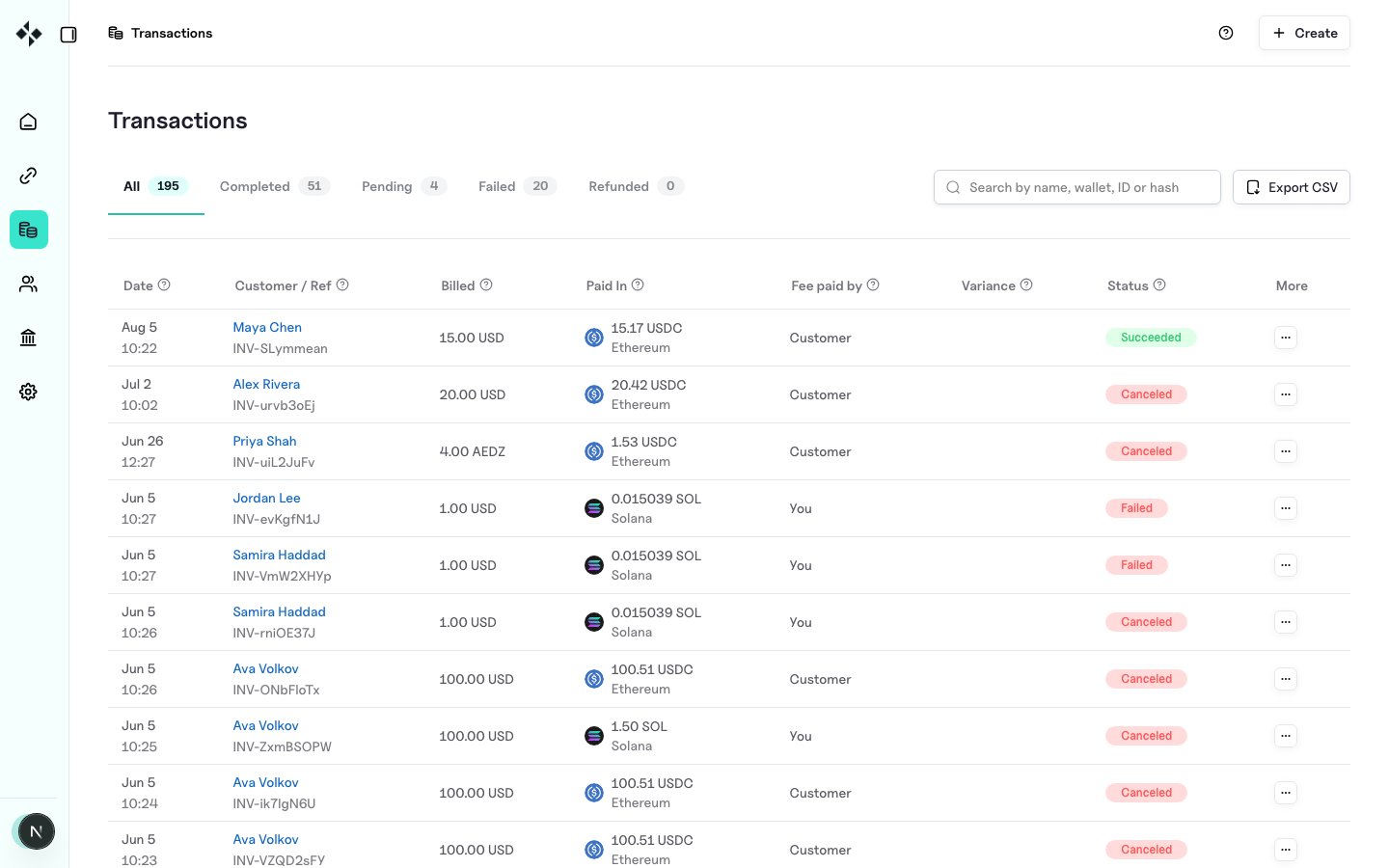
Transactions
Inspect payments underhttps://merchants.zbx.boomfi.xyz/dashboard/transactions.