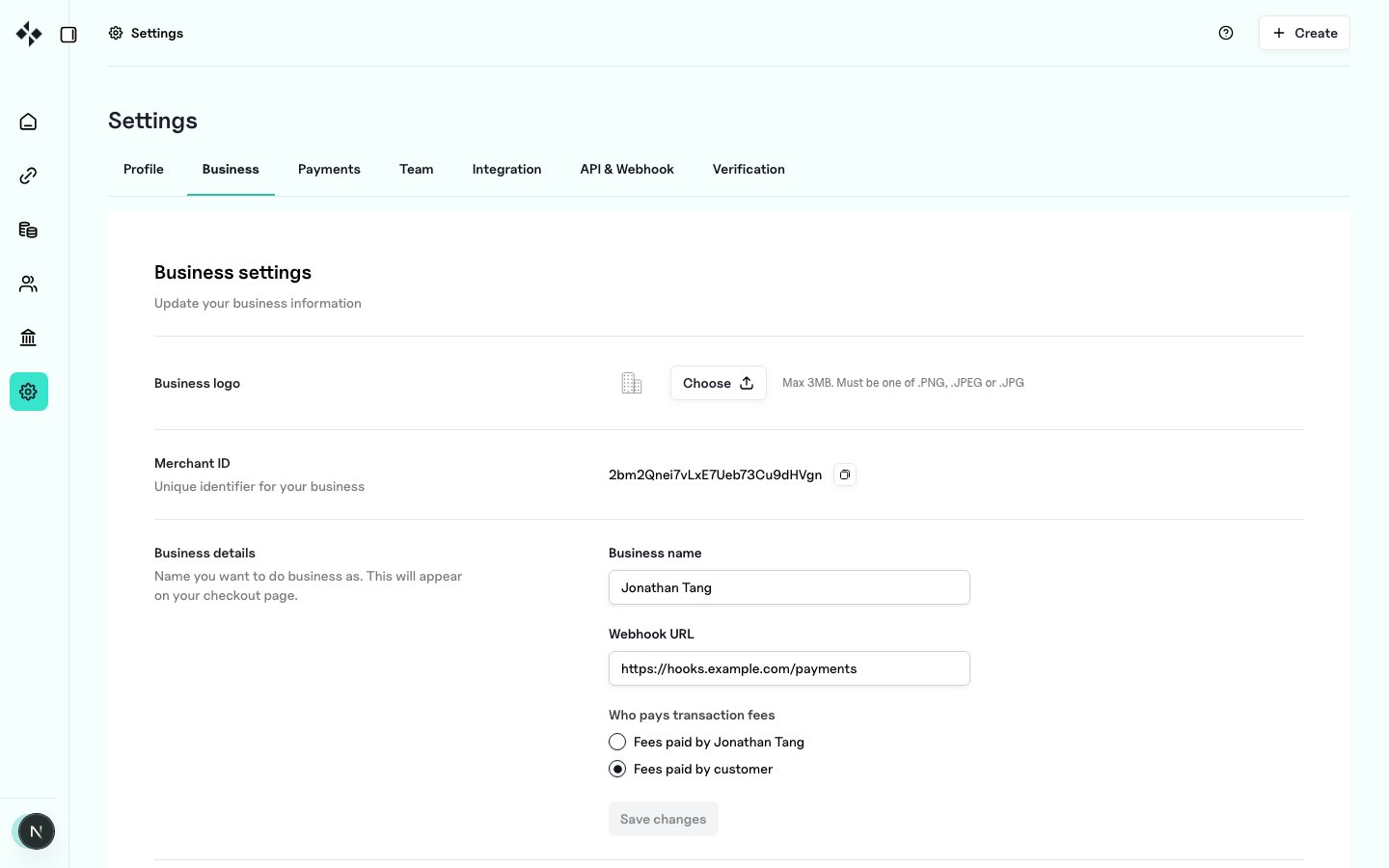
Use Settings → Business to manage organisation identity and the HTTPS endpoint that receives signed webhook deliveries. Open: https://merchants.zbx.boomfi.xyz/dashboard/settings/merchant ZBX business settings
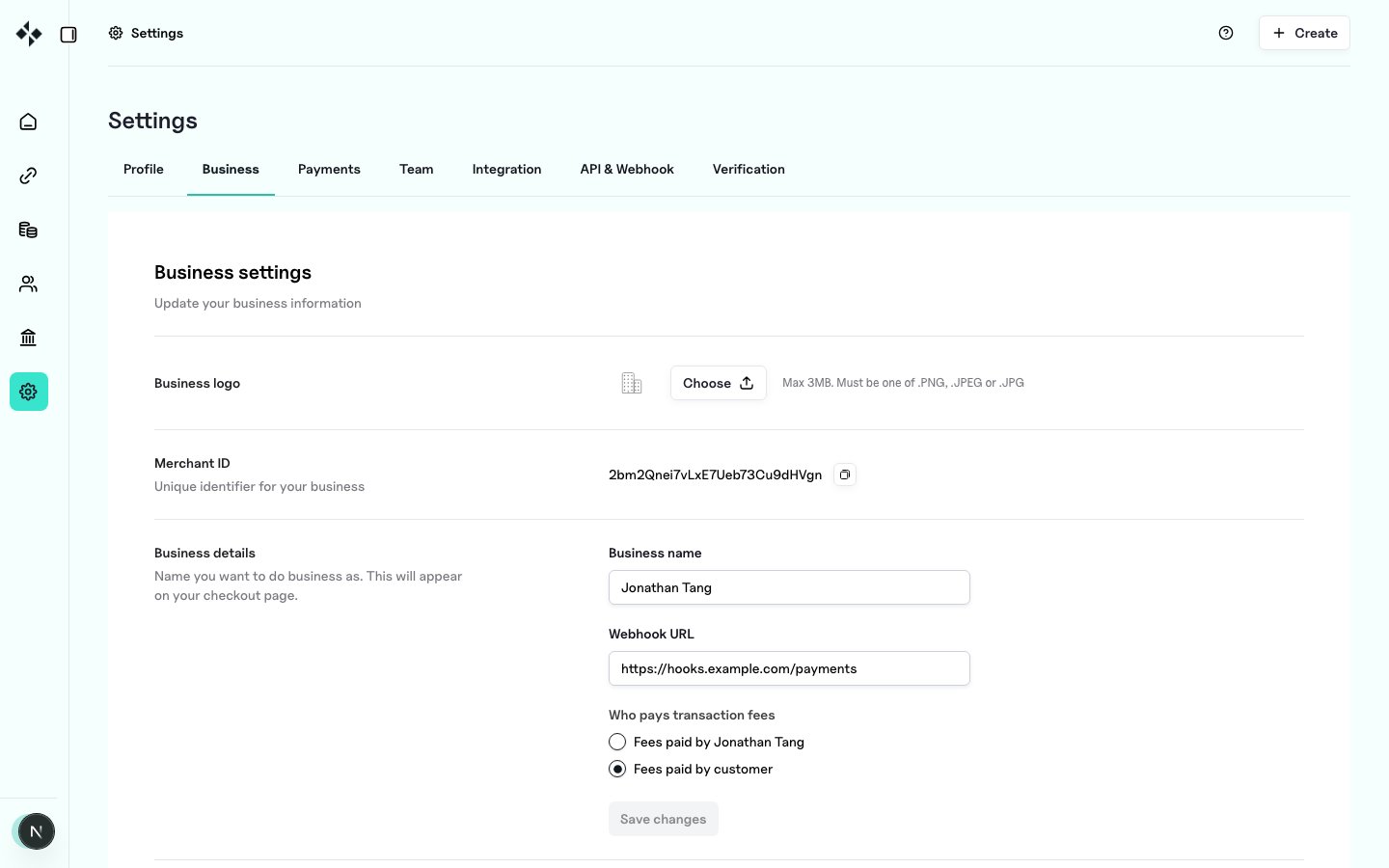
Organisation profile

Fields include:
  • Legal or display name
  • Logo used on hosted checkout where supported
  • Support or contact details as shown in the form
Save after each change. Incomplete org details can block downstream products that require KYB.

Webhook URL

Enter the HTTPS URL of your application that will receive POST events. ZBX signs each delivery so you can verify authenticity. ZBX business webhook settings

Webhook public key

The business settings page shows the webhook public key used to verify signed deliveries. Header names and verification steps are documented in Verify Webhook Signatures. Rotate by regenerating keys only when your receiver is ready to accept the new public material.

Next steps

  1. Team and Roles
  2. Payments Settings
  3. Authentication